
How to Use Programmable Timers for Bearded Dragon Lighting
This post contains affiliate links. As an Amazon Associate, we earn from qualifying purchases.
To use a programmable timer for bearded dragon lighting, plug both the UVB fixture and the basking lamp into the same timer outlet. Set the timer to turn the lights on and off simultaneously, creating a consistent 10-14 hour daily photoperiod that mimics natural sunlight. This automation is non-negotiable for regulating your dragon’s circadian rhythm, digestion, and overall health.
The single biggest mistake is manual switching. You forget once, the schedule drifts by 30 minutes, and within a week your dragon’s internal clock is signaling panic at 2 PM because the “sun” hasn’t set. Chronic stress follows. A timer fixes that permanently.
This guide walks through choosing the right timer, mechanical, digital, or smart, and provides a copy-paste setup sequence for a standard 4x2x2 enclosure. You’ll also learn how to adjust the schedule for summer and winter, and what to do when the digital display blinks after a power outage.
Key Takeaways
- Plug the UVB tube and basking lamp into the same timer channel. They must turn on and off together to mimic natural sun exposure.
- A digital programmable timer beats a mechanical one for precision, silence, and the ability to create complex weekly schedules.
- Never plug a nighttime heat source, like a ceramic heat emitter, into the light timer. It belongs on a separate thermostat.
- Adjust the photoperiod seasonally: 14 hours on in summer, 10-11 hours on in winter to simulate natural brumation cues.
- UVB bulbs degrade invisibly. Replace T5 HO tubes every 12 months and T8 tubes every 6 months, regardless of whether they still emit visible light.
Why Your Bearded Dragon’s Lights Need a Timer
Head design changes the entire process. Look at the business end of your trimmer.
Circadian rhythm isn’t a luxury. For a bearded dragon, it’s the master clock governing hormone release, digestion, immune response, and sleep. In the wild, that clock is set by sunrise and sunset. In your living room, it’s set by you, or more reliably, by a $15 plastic box.
Inconsistent light cues create chronic low-grade stress. The dragon’s body doesn’t know when to be alert, when to bask for digestion, or when to shut down for sleep. The first visible symptom is often a drop in appetite. The dragon seems “lazy” or hides more. Long term, it weakens their system.
Before you start: Always unplug all fixtures from the wall before connecting or disconnecting wires. Handling plugs with live current risks a short that can fry your timer and fixtures. Check cords for cracks or frays monthly.
A timer removes you from the equation. It provides the consistent day-night cycle that is the foundation of proper bearded dragon lighting. This consistency is what allows all other aspects of care, feeding, handling, health monitoring, to work correctly.
TL;DR: A timer isn’t for convenience; it’s for eliminating circadian stress caused by human forgetfulness.
Mechanical vs. Digital vs. Smart: Picking the Right Timer
You have three paths. The cheapest one ticks.
| Timer Type | Best For | Biggest Drawback |
|---|---|---|
| Mechanical (Analog) | Beginners, tight budgets, sheer simplicity. | Low precision (15-30 min blocks), audible ticking, can’t handle complex schedules. |
| Digital Programmable | Precision seekers, weekly schedule changes, quiet operation. | Steeper learning curve, settings lost if backup battery dies during an outage. |
| Smart Plug / Wi-Fi | Tech lovers, remote control, integration with other smart home devices. | Requires a stable Wi-Fi network, often needs a smartphone app. |
Mechanical timers work. You push plastic pins around a dial to set on/off blocks. They’re foolproof. I used one for years. The problem is the tick, a persistent click-click-click that drove me nuts in a quiet room. More critically, you’re locked into half-hour increments. A 7:00 AM sunrise and a 9:00 PM sunset? Easy. A 7:15 AM sunrise? Impossible.
Digital timers, like the common BN-LINK 7-day model, use a quartz clock and an LCD screen. You program down to the minute. You can set different schedules for weekdays and weekends. They’re silent. The setup buttons are notoriously finicky, though. The manual reads like a translated afterthought.
I programmed a digital timer for a dual-bulb setup, saved everything, and unplugged it to move the enclosure. The internal backup battery was dead. When I plugged it back in, the screen just blinked “12:00”. All settings gone. I now test the battery by unplugging the timer for 30 seconds before finalizing any schedule.
Smart plugs offer digital precision with app control. You can turn lights on remotely if you’re running late, or check that they’re on while you’re on vacation. For reptile-specific use, look for plugs with a “physical button override” and robust scheduling that doesn’t rely on cloud connectivity. If your Wi-Fi goes down, a good smart plug should continue its last programmed schedule.
Your lighting fixture guide should match your timer choice. A heavy-duty ceramic basking dome draws more power than a LED strip; ensure your timer’s rated wattage (usually 15A/1800W) exceeds the total draw of all connected devices.
The 7-Step Timer Setup for a 4x2x2 Enclosure
Follow this sequence. The order prevents the most common wiring mistake.
- Unplug everything from the wall. This is non-negotiable. Work with dead circuits only.
- Gather your fixtures on one side. Position your UVB tube fixture and basking lamp dome on the same side of the enclosure, over the basking zone. This mimics the sun providing both heat and UVB in one area, which is a core principle in any optimal light setup.
- Plug both fixture cords into a single power strip. This is the consolidation step. The power strip now has one plug that controls both essential lights.
- Plug that power strip into your timer’s outlet. If your timer has two outlets, you can plug each fixture directly into it, but ensure they are on the same programmed channel.
- Set the current time on the timer. For digital models, hold the “Clock” button and use the “Hour/Minute” buttons. Triple-check AM/PM.
- Program the ON and OFF events. Set the “ON” time to your desired morning (e.g., 7:00). Set the “OFF” time for evening (e.g., 21:00 for a 14-hour day). Press “Save” or “Prog” until the display stops flashing.
- Plug the timer into the wall and test. Use the manual override button (often labeled “On/Auto/Off”) to force the lights on. Confirm both the UVB and basking lamp ignite. Switch to “Auto”.
A proper lighting setup pairs the UVB and heat source. The dragon must receive both when it chooses to thermoregulate, which is why they are plugged into the same timer. Separating them on different schedules is a common beginner error that leads to inadequate UVB synthesis.
What happens if you plug the lights into separate timer channels? The dragon might bask under heat with no UVB available, or receive UVB in a cool zone where it can’t properly raise its core temperature for metabolism. Both scenarios undermine the purpose of your essential lighting equipment.
TL;DR: One timer channel controls both sun lamps. This is the rule.
Where Nighttime Heat Fits In (The Timer Exception)
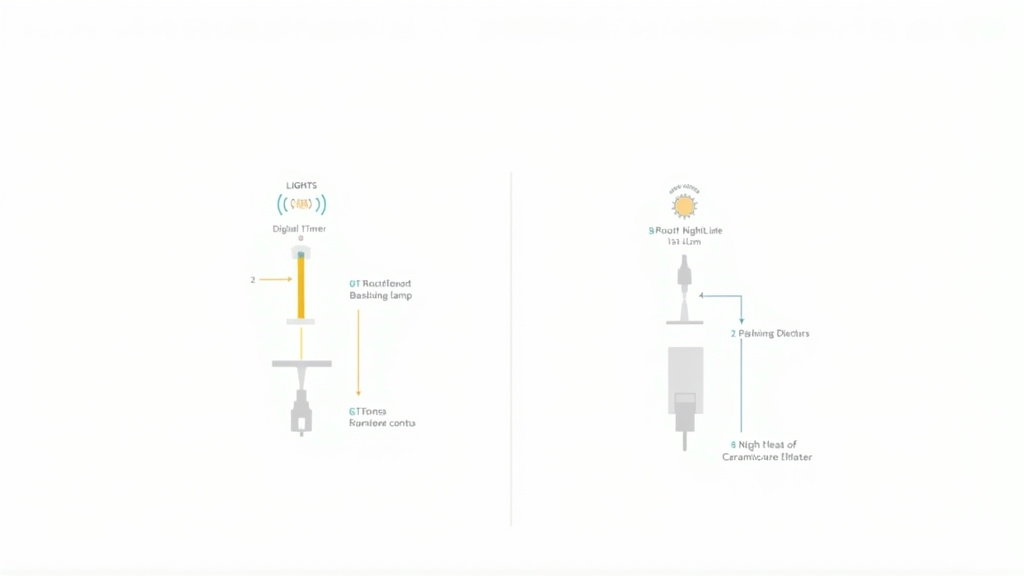
Ceramic heat emitters (CHEs) and under-tank heat mats provide warmth without light. Light at night disrupts sleep.
These devices exist solely to keep the enclosure’s cool side from dropping below about 65°F (18°C). They are not part of the daytime photoperiod. Therefore, they never get plugged into the light timer.
Common mistake: Plugging a ceramic heat emitter into the light timer, it runs all night, often overheating the enclosure and desiccating the air. The dragon never experiences a true temperature drop, which can interfere with natural sleep cycles and brumation instincts.
A nighttime heat source belongs on a thermostat. You plug the CHE into the thermostat, and set the thermostat’s probe in the area you want to monitor (usually the cool side). Set the thermostat to turn the CHE on at, say, 68°F and off at 72°F. This creates a stable, light-free warmth that doesn’t interfere with the day-night cycle.
This separation is a key part of maintaining proper nighttime temperatures and a healthy basking area dynamic. The basking zone heats up and cools down with the “sun”; the ambient background temperature is managed independently.
Seasonal Schedule Adjustments
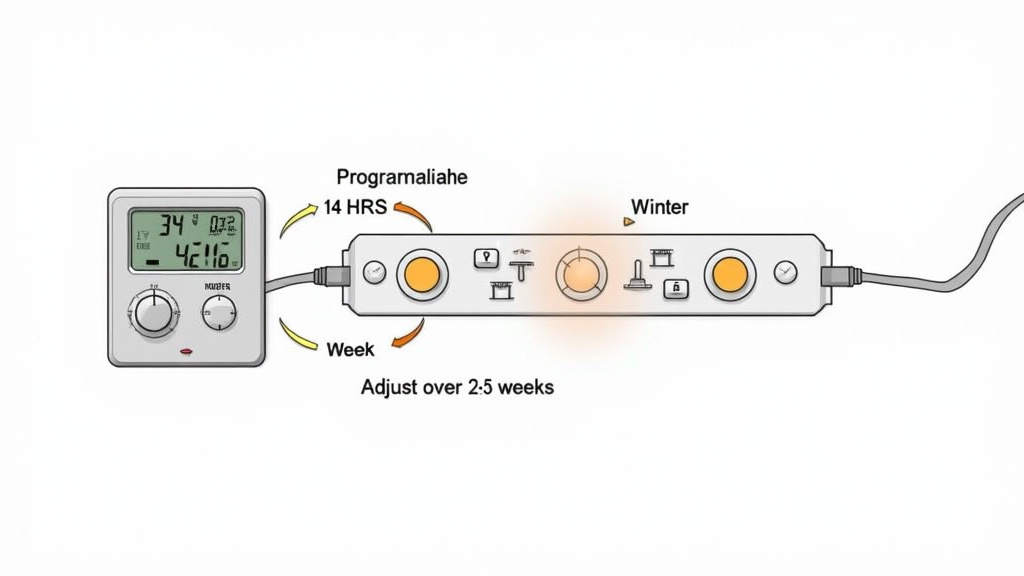
Summer means longer days. Winter means shorter ones.
In their native Australian deserts, bearded dragons experience significant seasonal changes in daylight. You should mimic this to support their natural physiology. A static 12-hour cycle year-round is better than chaos, but it’s not optimal.
| Season | Target Photoperiod | Behavioral Goal |
|---|---|---|
| Spring/Summer | 13–14 hours of light | Encourage activity, peak appetite, and breeding behaviors. |
| Fall/Winter | 10–11 hours of light | Simulate shorter days, encourage resting, and allow for natural brumation cues. |
Adjust gradually. Don’t jump from 14 hours to 10 overnight. Over two to three weeks, change the “OFF” time by 15-20 minutes every few days until you hit the target. Your dragon’s appetite will subtly shift with the light. This process of changing the daily light cycles is how you work with their biology, not against it.
During winter months, also double-check your basking spot requirements. Room temperatures might drop, requiring a slightly higher-wattage basking bulb to hit that crucial 100-110°F (38-43°C) range. The timer ensures the shorter basking window is consistent.
Maintenance and Troubleshooting Your Timer System
Dust coats bulbs. Batteries die.
A simple weekly check takes 10 seconds: glance at the enclosure when the lights should be on. Are they on? At night, are they off? That’s it.
Monthly, wipe dust off bulb surfaces and fixture reflectors with a dry cloth. Dust can block up to 40% of UVB output. Every 6-12 months, replace your UVB tube on schedule, mark the replacement date on the fixture with a sticker. This is the most critical item in your health lighting essentials routine.
Digital Timer Troubleshooting:
- Screen is blank/blinking “12:00”: The internal backup battery is dead. Replace the battery (usually a CR2032 coin cell) and reprogram the timer.
- Lights won’t turn on in “Auto” mode: Check that the current time is set correctly and that the programmed “ON” event is active for today. Ensure the timer is not in “Off” override mode.
- Lights turn on/off at the wrong time: You likely have a stray program setting. Most timers require you to clear all old programs before setting a new one. Consult the manual for the “Clear” function.
If you’re using multiple fixtures for a large or complex habitat light configuration, consider a multi-channel digital timer. This allows you to, for instance, have dawn/dusk simulation with lower-wattage lights before the main basking lamp kicks in. It’s an advanced move, but it’s where programmable timers truly shine over mechanical ones.
Frequently Asked Questions
Can I use a timer for my bearded dragon’s night light?
No. Bearded dragons require total darkness at night to sleep properly. Red, blue, or “moonlight” bulbs emit visible light that disrupts their circadian rhythm. If you need nighttime heat, use a ceramic heat emitter or heat mat plugged into a thermostat, not a timer.
What happens if the power goes out? Will my digital timer reset?
It depends on the backup battery. Most digital timers have a small internal battery that preserves settings during short outages. If the outage outlasts that battery or the battery is dead, the timer will reset and likely default to a blinking “12:00”. You will need to reprogram it. Smart plugs may also lose schedules if they lose Wi-Fi connectivity during an outage.
How many lights can I plug into one timer?
Check the timer’s maximum load rating, usually printed on the side or in the manual. A standard timer is rated for 15 Amps (1800 Watts). A typical setup, one T5 HO UVB fixture (~40W) and one 100W basking lamp, draws only ~140W, so you are well within limits. You can safely use a power strip to combine multiple fixtures onto one timer outlet.
Should I turn off the lights when my bearded dragon is brumating?
No. Maintain the shortened winter photoperiod (10-11 hours of light) even if your dragon is sleeping through the day. The light cycle helps regulate their internal clock during this dormant period. The basking lamp should still be on during the day to provide a heat source if they choose to wake and warm up briefly.
Is a smart plug safe for reptile lighting?
Yes, provided you choose a quality plug rated for the electrical load and ensure it has proper safety certifications (like UL listing). The main risk is Wi-Fi dependency; if your network fails, the plug might not execute schedules unless it has a local memory feature. Always have a manual backup plan.
The Bottom Line
Buy a digital timer today. The BN-LINK 7-day model is a reliable, silent workhorse available at most hardware stores. Plug your UVB and basking lamp into it, set a 14-hour summer schedule, and walk away.
You’ve just automated the single most important environmental cue for your bearded dragon’s health. No more guessing, no more forgetting. The consistent sunrise and sunset you provide will regulate their hunger, their energy, and their sleep far better than your best intentions ever could.
Check the lights once a week. Replace the UVB tube once a year. Adjust the schedule with the seasons. That’s the entire ritual. The timer does the heavy lifting, and your dragon gets to live a life ruled by a reliable sun, not a distracted keeper.